
Release overview, November 2026
 The Curiosity Team
November has been about what assistants hand back and where Curiosity Studio runs: interactive interfaces, data files, decks and Word documents as artifacts, documents that people and assistants edit together, and installers for Windows and macOS. Here's the month so far.
Artifacts assistants publish
- Assistants can publish an interactive interface as an artifact: a live page with tables, metrics, charts, inputs, diagrams, a search area limited to a query's results and a graph view of selected nodes. The interface runs the conversation's AI tools as the person viewing it, sends their actions back to the conversation, and is listed in a personal Artifacts space where its owner can share it view-only. The A2UI post covers how it works.
- Assistants can also publish markdown, CSV, JSON and JSON lines. CSV and JSON lines show as a table of the first 200 rows, JSON as an expandable viewer, and markdown renders with a Download as PDF button.
- Slide decks show their slides in a viewer with a filmstrip and offer both the .pptx and a PDF. Word documents are built as designed pages in one of nine document themes, which administrators enable under Manage > AI > Artifacts, and download as .docx or PDF.
- A new
rendersandbox command draws pages of a document, deck, spreadsheet, PDF or HTML artifact as pictures, so an assistant can look at what it made before handing it over, up to 12 pages per call.
Writing together
A new Documents page lets users write documents together in real time,
with everyone's cursor, Edit, Preview and Side by side views, and a version
history that compares any two versions and restores an earlier one. The code
editors on the admin pages (endpoints, AI tools, prompt templates, agents,
skills, scheduled tasks, migrations, code indexes) are co-edited live the same
way and pick up a collaborator's save. Assistants read and edit documents from
the sandbox with a doc command, and their edits appear live under the
assistant's name.
Curiosity Studio on Windows and macOS
Curiosity Studio now installs on Windows and macOS from signed installers. An installed copy keeps its data in its own user folder, and a Software Updates page under Manage shows the installed version and release channel, lists an available update with its release notes, and downloads and restarts into it.
The separate desktop app is discontinued and removed, and so are the web
search provider apps, XKCD and Hacker News; stored tasks of those types still
load. The Docker image is now also published as curiosityai/studio, tagged
with the release version.
Chats and connected apps
- Gmail, Google Calendar, Google Drive and Outlook Calendar run in the workspace itself, using the OAuth applications administrators register under Manage > Apps. Once configured, they appear under Connect Apps.
- Chat history has a pinned section, a search box, filters by state (Working, Needs input, Completed, Archived) and by time, and archived chats listed in place. A chat can be marked completed, and posting in it reopens it.
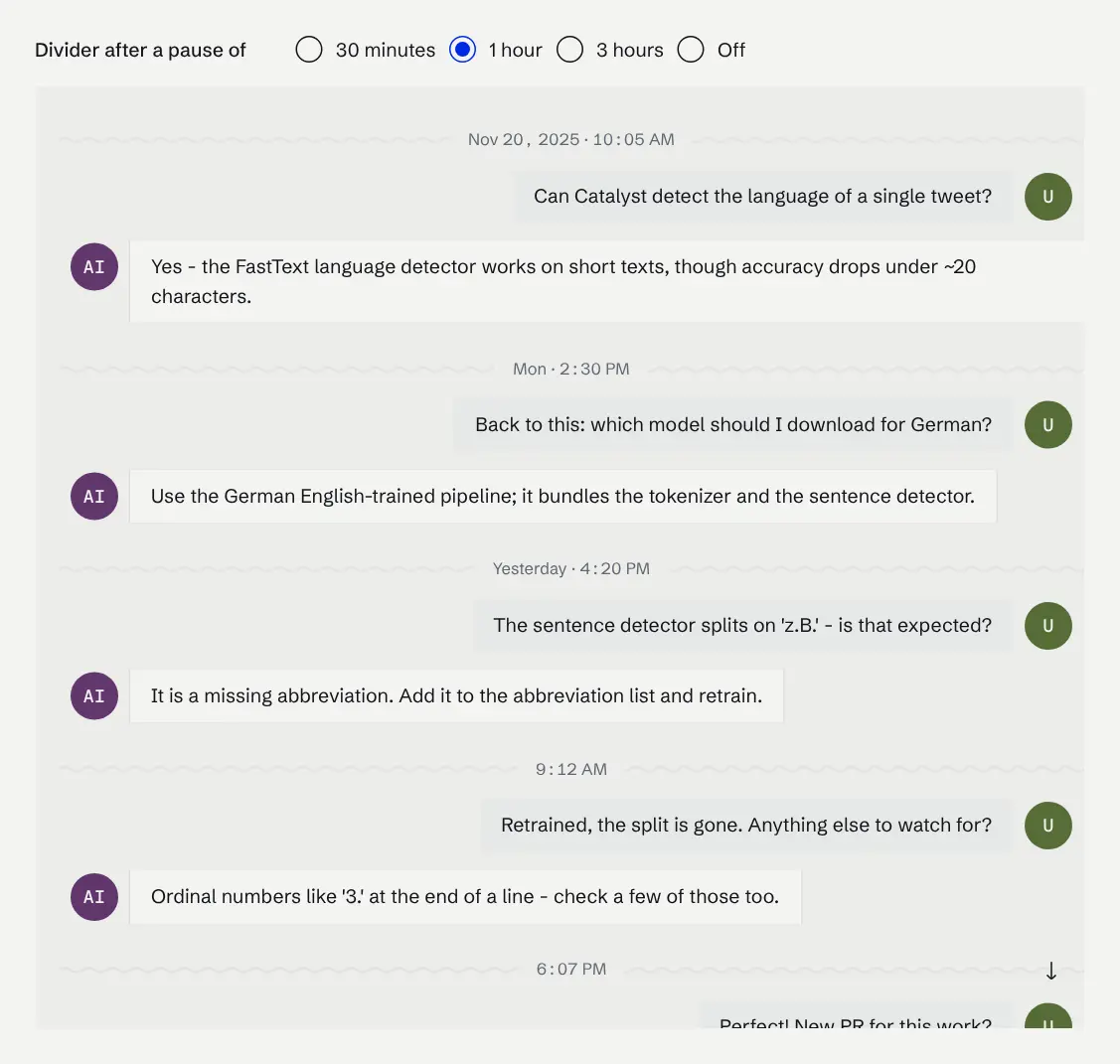
- Conversations show time dividers after a pause and mark where a conversation was compacted. Copy puts both plain text and formatted HTML on the clipboard and leaves out reasoning and tool calls.
- Inspect Chat can continue a conversation as the administrator, with its messages, attachments and artifacts copied into a new chat.
Sudo and the admin pages
- Sudo works on its own branch for each conversation, so two conversations or two task board cards no longer overwrite each other's commits. The task board has Pending, Working, Needs Input, In review and Done lanes.
- Each shell call in a Sudo conversation shows the files it changed as an inline diff, and Manage > AI > Browser has a Preview tab with a live, clickable browser session.
- The Shell opens notebooks with C# and Python cells that reach the same workspace scope as tool code, draw charts and are saved per user with their outputs.
- The admin sidebar is regrouped by task, Ctrl+K inside the management interface lists the admin pages, and the LLM usage pages offer Today, Yesterday, Last Week and custom periods.
Running the server
- File content can be stored in Azure Blob Storage, Google Cloud Storage or Cloudflare R2, in addition to AWS S3.
- OCR runs after every file that does not need it, so text documents are indexed first, and pages are cropped to their content before they are read. File Indexing has three new settings: the OCR resolution, the CPU cores per extractor and how many OCR runs may be in progress at once.
- In cluster mode, signed-in pages ride through a change of primary, and settings changes sent to a read-only replica are forwarded to the primary instead of being lost.
- Connector runs get a Resources tab with CPU, memory and disk charts for
connectors that call
Graph.WithResourceMonitoring(), and monitoring charts can show a rolling average. - The in-memory graph reclaims edge memory continuously instead of in a nightly compaction, and the database recovers once disk space is freed after a full disk.
For developers
"Page headers in custom front ends"
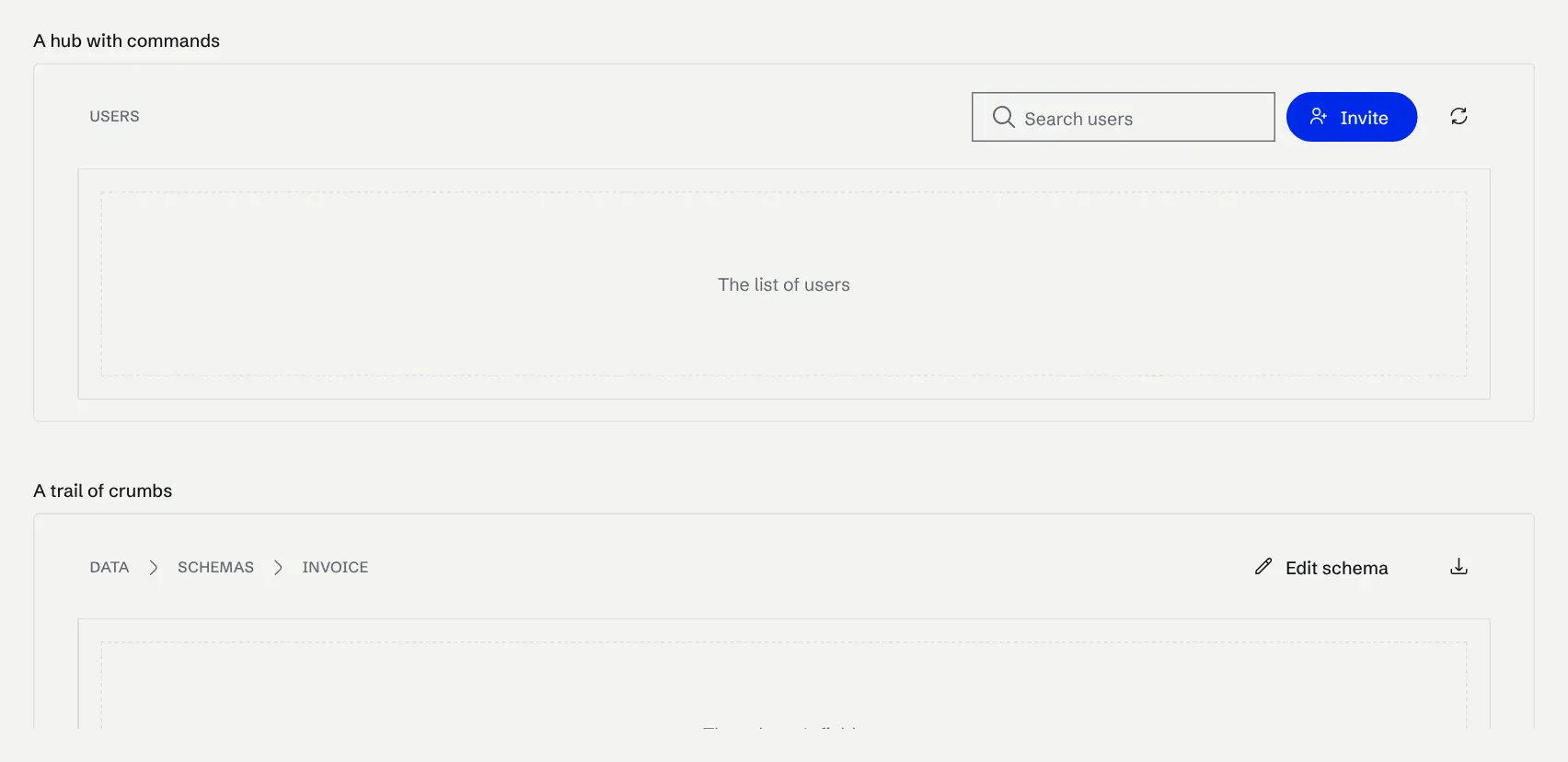
Every top-level page now uses Tesserae's Hub and HubHeader. Custom front
ends that used UI.HubStack, UI.HubTitle or UI.HubTitleText should move to
them.
curiosity-cli serve --browser-loginsigns in to the workspace through a browser page on Windows, macOS and Linux and forwards the session with every request, and--proxysets an upstream proxy. Curiosity.CLI is published as one package per operating system and architecture, and failed commands return their real exit code.- Front ends gain a NodePicker component for forms,
ChatViewConfigurationoptions for the history filter and agent runs, and newAppSettingsflags that hide built-in node commands, sharing, theme preferences and the Documents page. - Chats and messages can be kept out of search, through the chat endpoints, the front-end chat API and the code-scope chat methods.
The little things
- AWS Bedrock chats use the prompt cache across every round of a tool loop.
- Exported Word, PDF and PowerPoint files include bulleted and numbered lists.
- Cached code endpoint results expire on time.
- The ask-user question tool is offered in every user's chats, not only to administrators.
- The AI assistant editor keeps an assistant's skills when it is saved.
- The interface works when the workspace is opened over plain HTTP on an address other than localhost.
- Audio and video previews use new players.
New in Tesserae
Tesserae is the open-source C# UI toolkit that custom Curiosity front-ends are built with. This month it gained 8 new components. Each one runs live in the gallery; the headings link to the documentation, or to the gallery page where there is none yet.
Hub
A top-level page with a breadcrumb header.
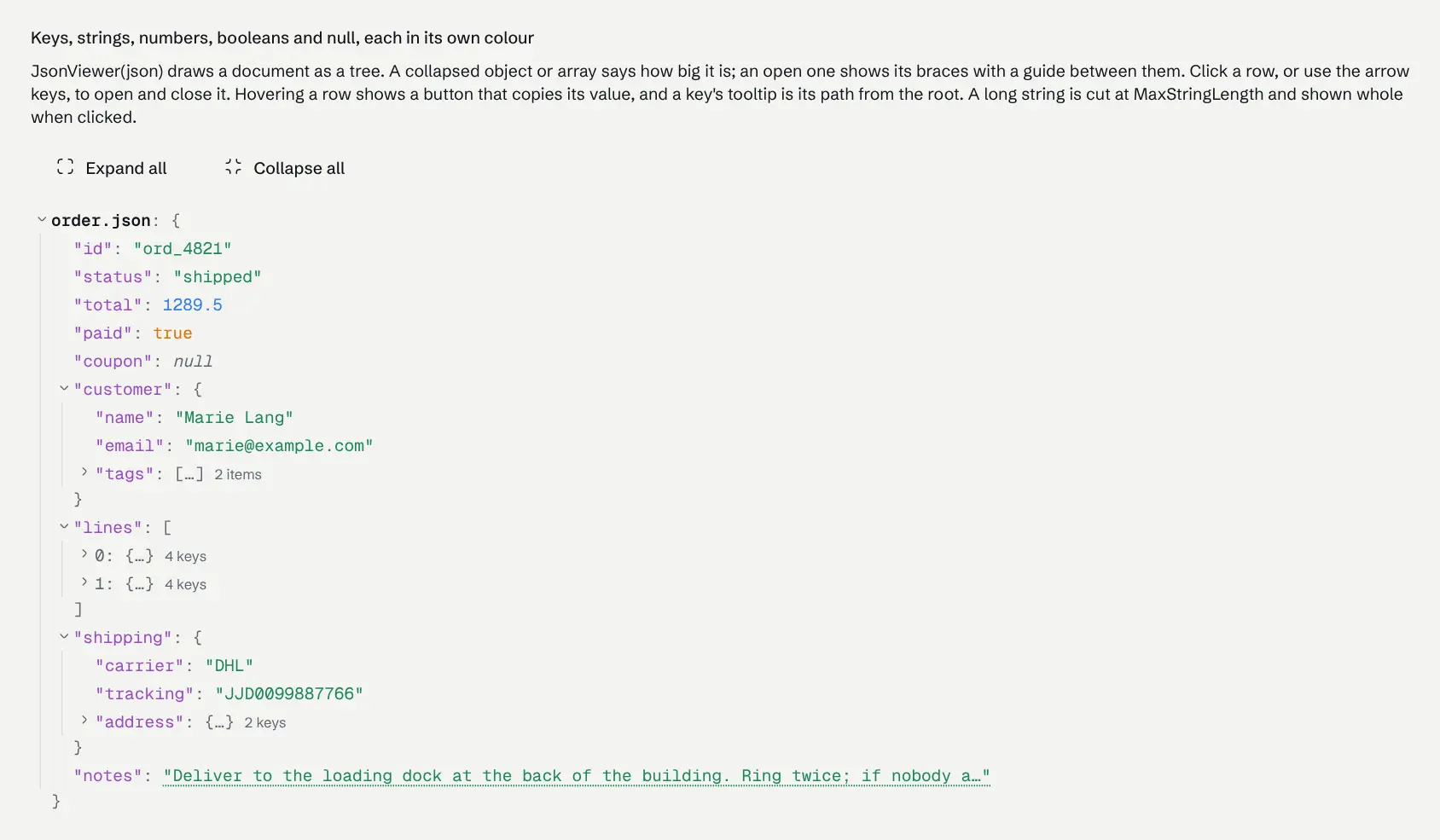
Json Viewer
A JSON document as a collapsible, coloured tree.
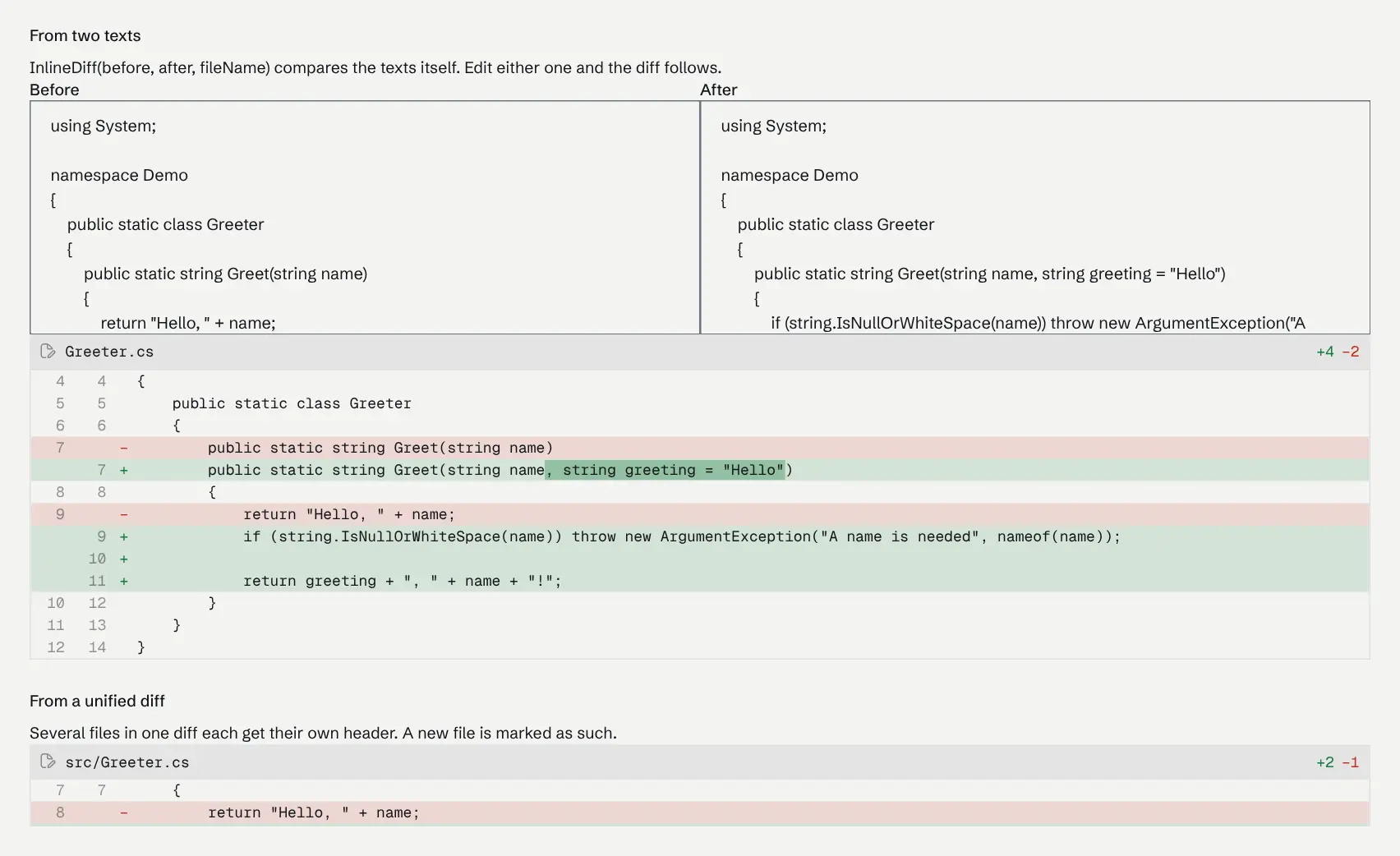
Inline Diff
A compact diff for the middle of a chat.
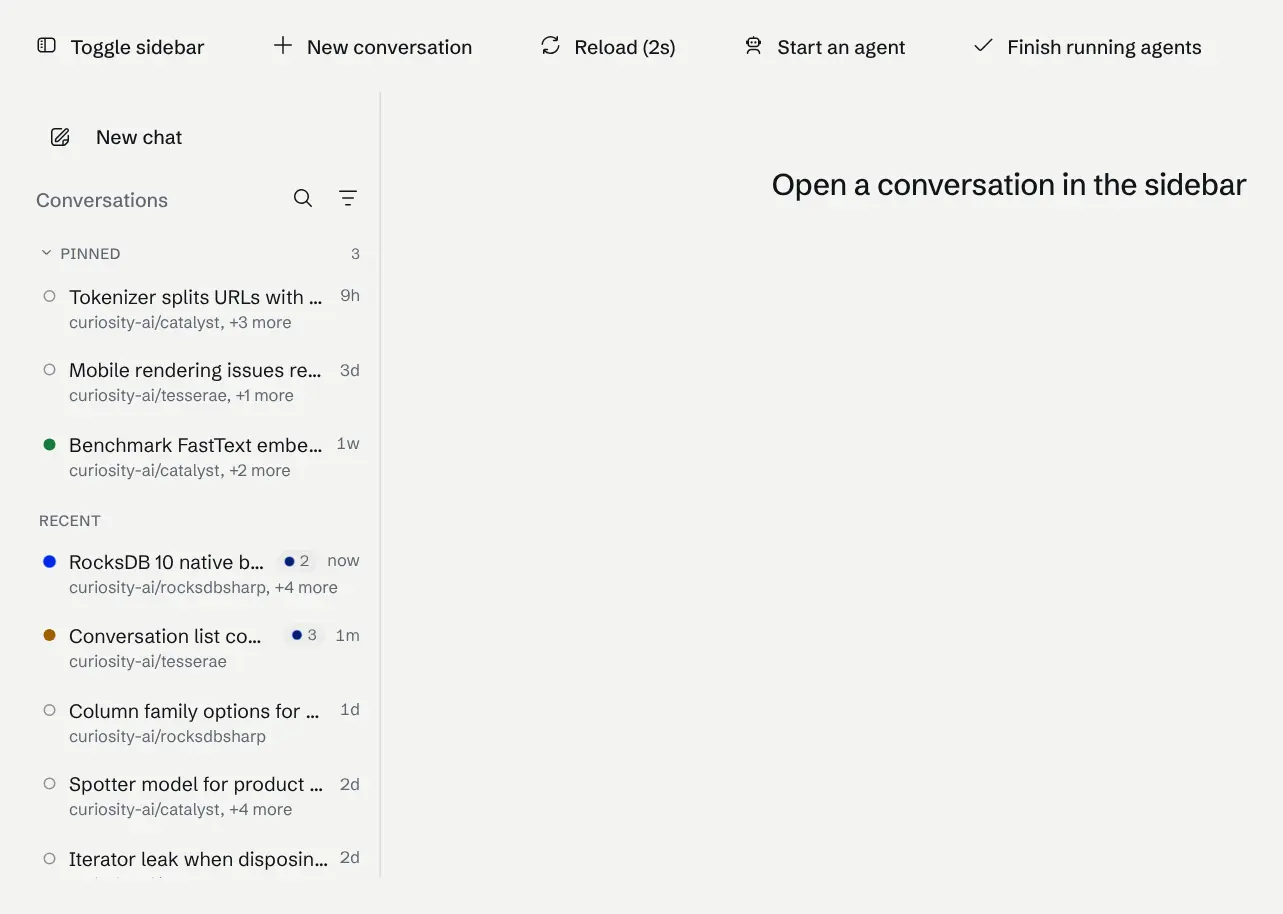
Conversation List
A chat history with pins, search and filters.
Chat Time Divider
Marks where a chat picks up again after a pause.
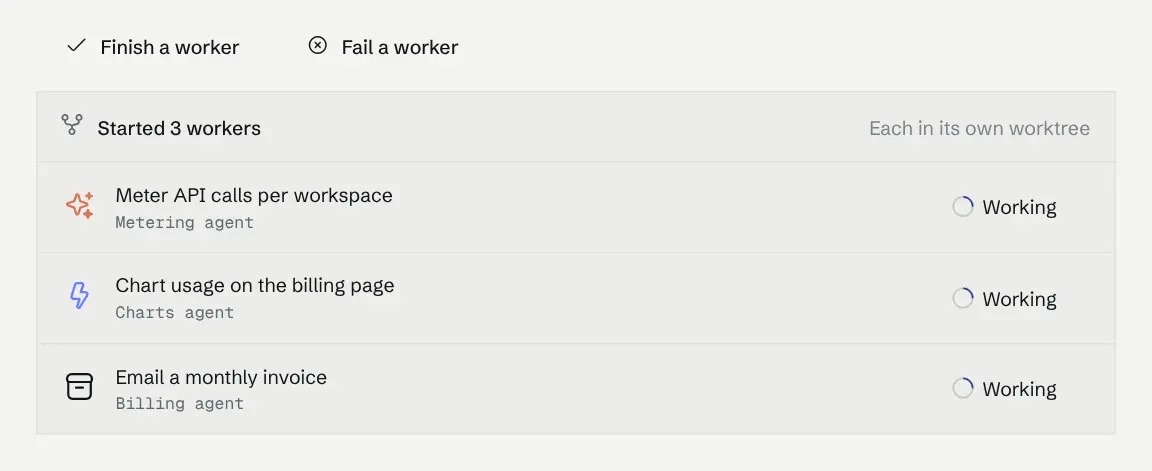
Worker Card
The work an assistant handed to other agents.
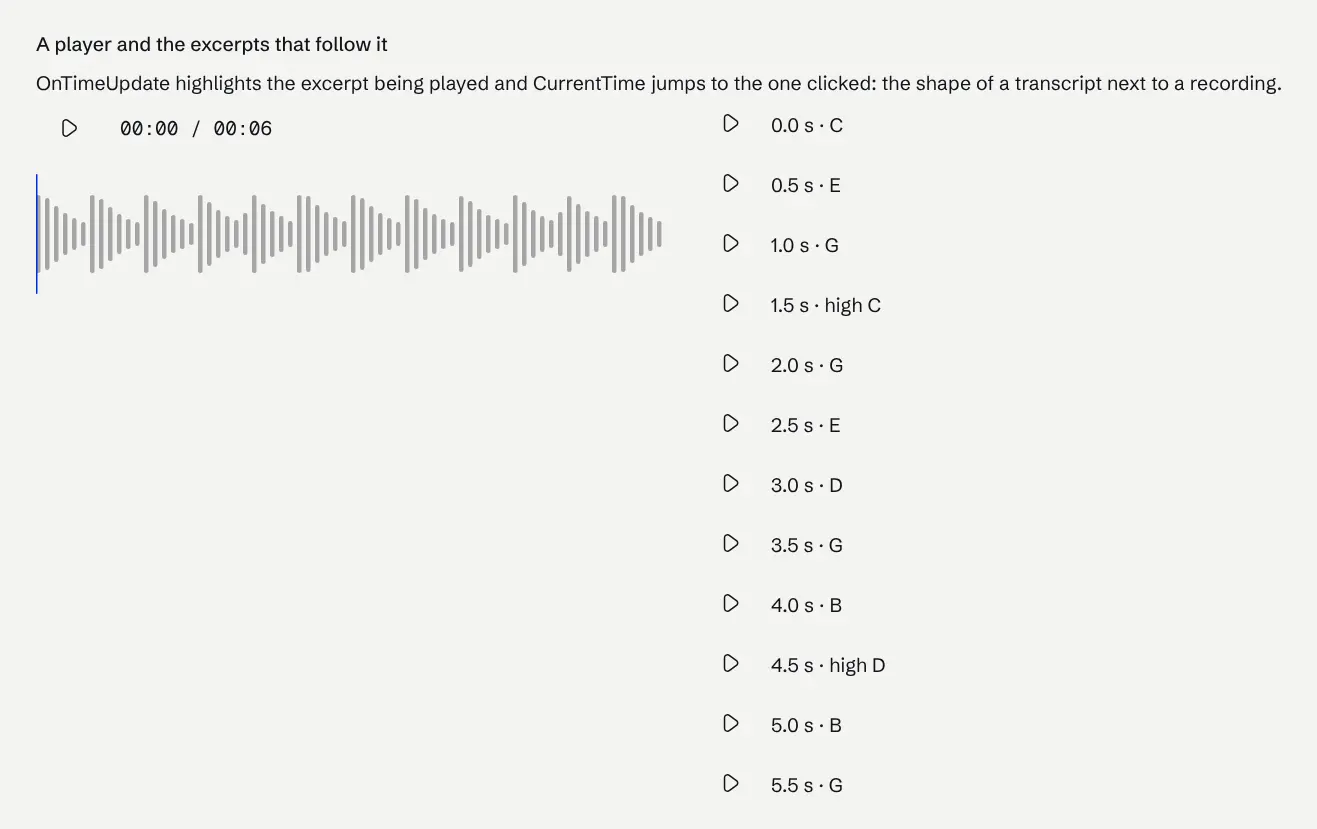
Audio Player
An audio player whose waveform is the seek bar.
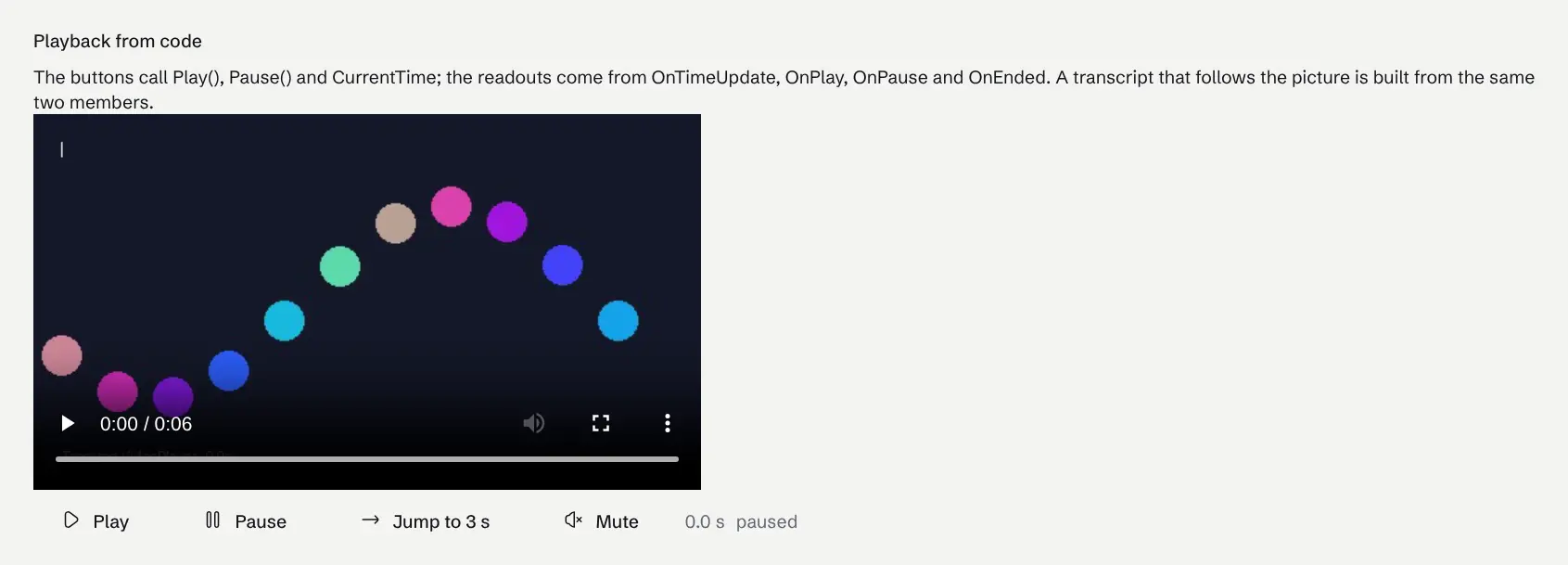
Video Player
The browser's video player, driven from C#.
This overview covers builds v26.11.73396 → v26.11.73834 (November 1 to 20). For the full, build-by-build detail see the changelog.
Read next
Articles on context graphs, enterprise search and industrial AI